In this guide 6 sections
A keyboard and mouse are the two things you touch for every hour at a computer, and most people buy whatever came in the box. Spending a little more buys a faster, quieter and more comfortable day. This guide sorts the shelf by how you work.
Connection: wired, 2.4 GHz or Bluetooth
- Wired — no battery, no lag, no pairing. Still the right answer for a desktop that never moves and for competitive gaming.
- 2.4 GHz dongle — wireless with near-wired response. The dongle takes a USB port and must stay with the device.
- Bluetooth — no dongle, pairs with phones, tablets and laptops. A touch slower; perfect for travel and multi-device work.
Dual-mode devices like the GearUP WM30 mouse do both 2.4 GHz and Bluetooth, so one mouse serves a desktop and a laptop.
For gaming on a budget
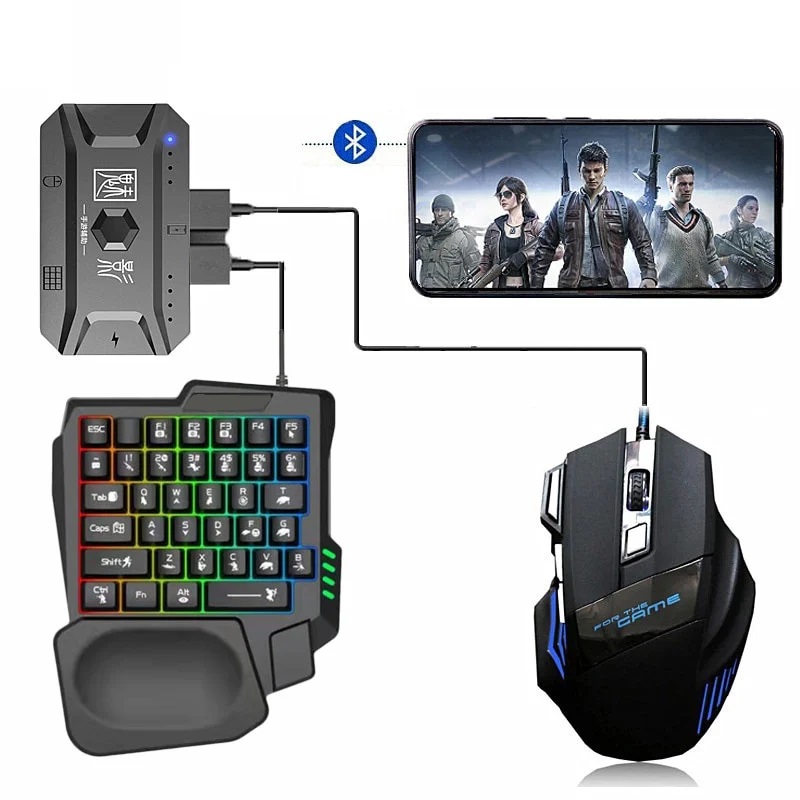
Membrane gaming keyboards with RGB are fine for casual play; what matters more is the mouse. Look for an adjustable DPI button, a braided cable and a sensor rated at 6,000 DPI or higher — the Inphic PG9 ticks those at a low price. The GearUP K190 combo pairs a rainbow-backlit keyboard with a matching mouse for a first gaming setup, and the keyboard's phone slot suits mobile gamers who play PUBG with a keyboard through an OTG adapter.
For an office or a shared room
Clicky switches are the fastest way to annoy a family. Silent mice such as the Inphic W2 silent cut the click to a dull tap, and a low-profile membrane keyboard is quieter than any mechanical board. If you type for hours, a keyboard with a slight slope and a wrist rest beats a flat one.
For a TV box or a media PC
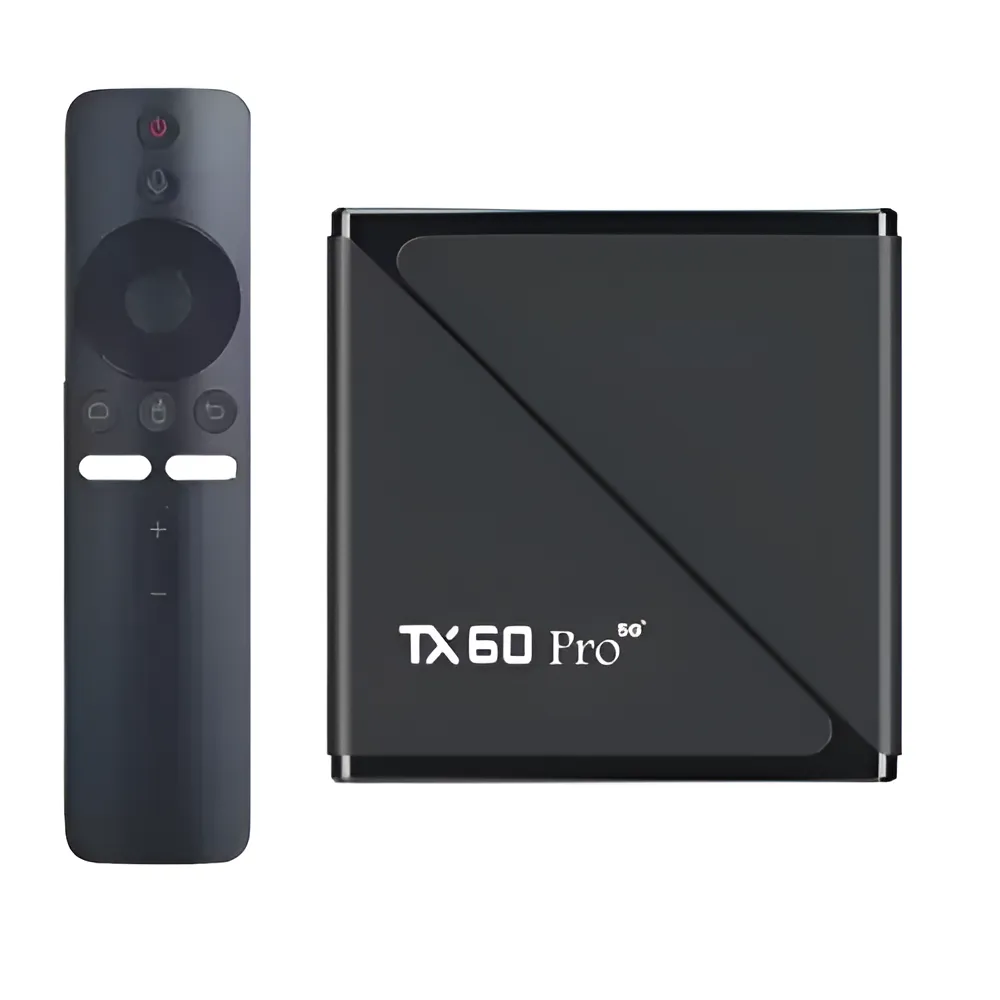
Typing a film title with a remote is slow. A mini wireless keyboard with a built-in touchpad, such as the GearUP MK20, runs an Android TV box, a projector or a living-room PC from the sofa, and the backlight helps in a dark room. Check that it supports the connection your box has — most boxes accept a 2.4 GHz dongle; Bluetooth support varies.
For a phone or tablet on the move
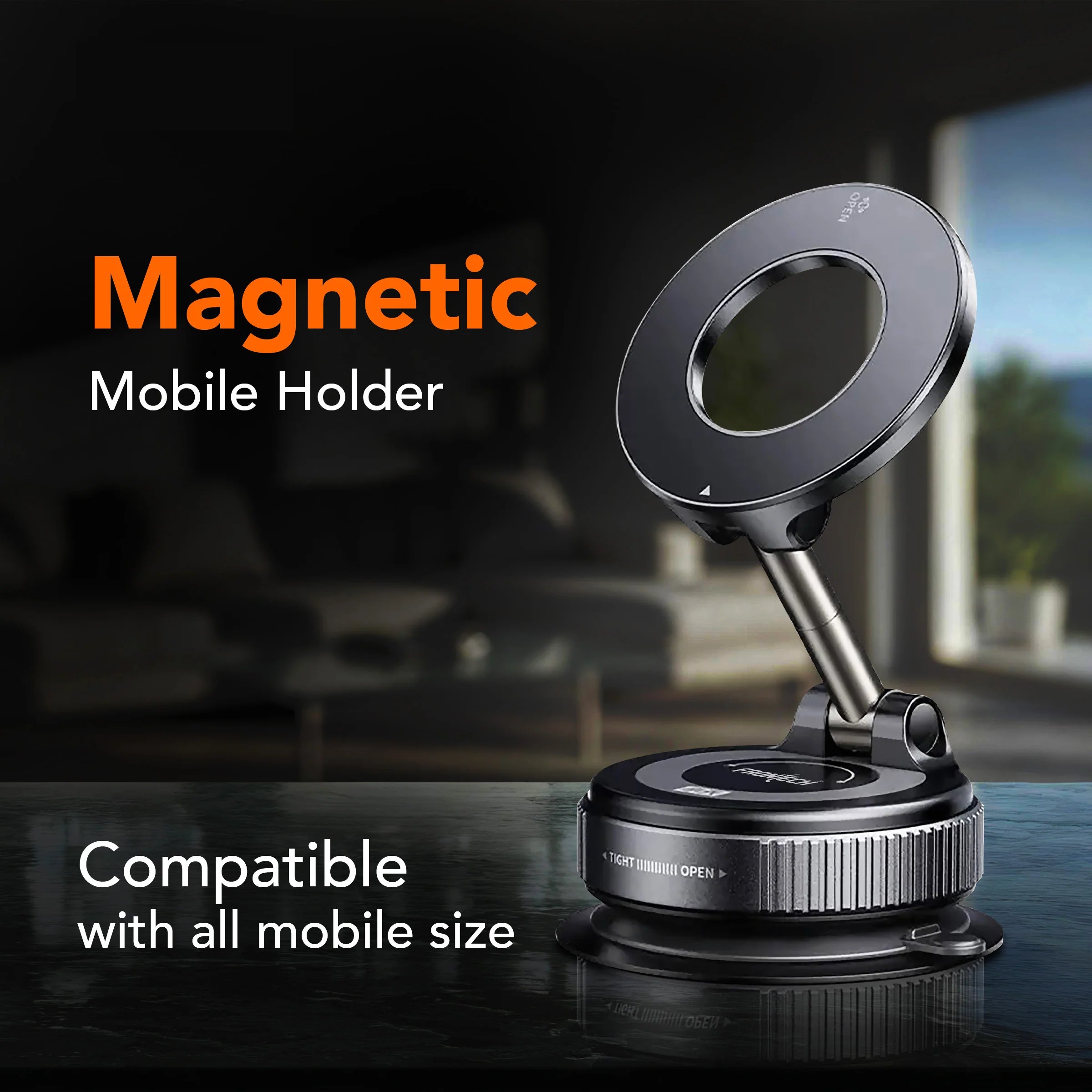
A folding Bluetooth keyboard like the GearUP B023 fits a pocket and turns a phone into a note-taking machine on a train. Pair it with a stand from the mobile accessories shelf. Folding keyboards have smaller keys, so they are for emails and notes rather than a novel.
Small details that matter
- Bangla typing — any keyboard works with Avro or Google Bangla; stickers for the keys are sold separately.
- Battery — rechargeable over Type-C beats AAA cells; check the listing for mAh and the quoted weeks of use.
- Mouse size — large hands cramp on travel mice; the listing's length in millimetres tells you more than the photo.
- Warranty — a dead key or a double-clicking switch is the usual failure; the 7-day return covers arrival faults and the brand warranty covers the rest.
Everything on the computer and gaming accessories shelf ships cash on delivery across Bangladesh.
Frequently asked questions
Is a wireless mouse good for gaming?
A 2.4 GHz wireless mouse is fine for casual and most online games. For competitive play, a wired mouse removes any lag and never runs flat mid-match.
Can I use a keyboard with an Android TV box?
Yes — a 2.4 GHz mini keyboard with a touchpad plugs into the box's USB port and works immediately. Bluetooth keyboards depend on the box supporting Bluetooth.
Which keyboard works with a phone for PUBG or Free Fire?
Any wired USB keyboard through an OTG adapter, or a Bluetooth keyboard. The game must support keyboard mapping, which usually needs a mapping app.
Do these keyboards support Bangla?
All keyboards type Bangla through software such as Avro or Google Bangla. The keycaps themselves are English; key stickers are available.