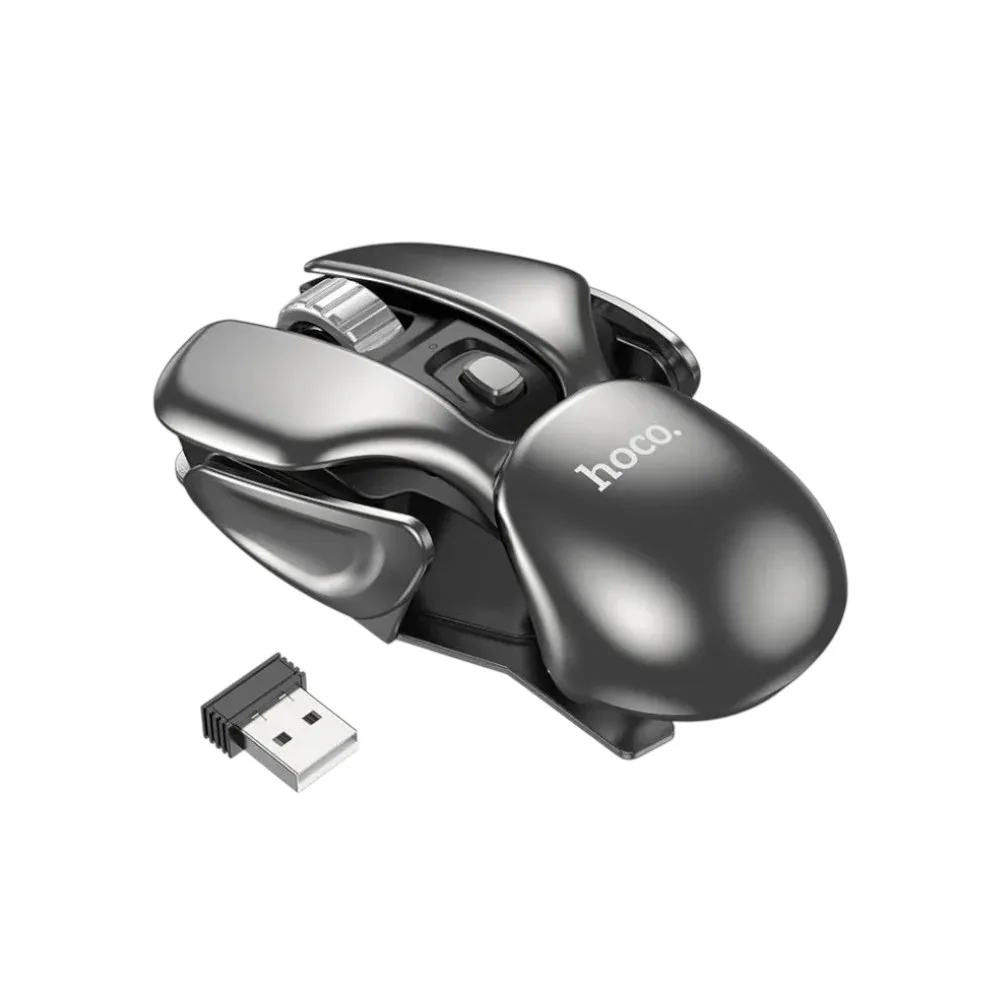
Hoco DI43 Robot 2.4G Wireless Gaming Mouse
At a glance
- Model
- DI43
- Material
- ABS + Aluminum Alloy
- Dimensions
- 111 x 65 x 34 mm
- Weight
- 85 g
- Sensor
- PAW3065 Optical Sensor with Huge World Tracking
Delivery estimate
Description
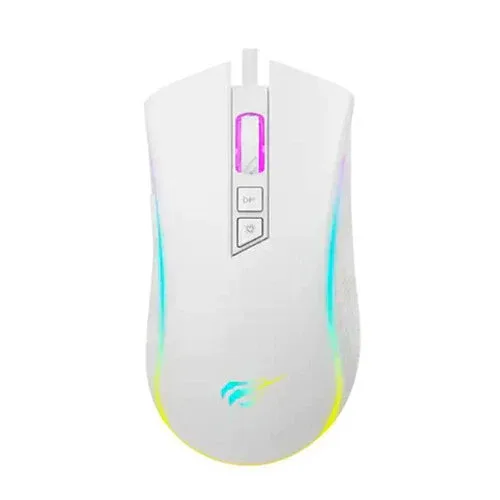
Built for long gaming and work sessions, the Hoco DI43 Robot is a 2.4G wireless mouse with a PAW3065 optical sensor and a rechargeable 300mAh battery that lasts up to 30 hours. Its right-handed ergonomic shape has a non-slip grip, and the mute keys keep clicks quiet.
Key features
- PAW3065 optical sensor – tracks accurately on most surfaces, with three DPI steps of 800, 1200 and 1600 chosen from a side button.
- 2.4G USB receiver – plug the receiver into a USB port and it pairs at once, with no software needed on Windows, macOS or Linux.
- 30-hour battery – the 300mAh cell recharges through micro-USB in about 2 hours.
- Silent clicks – mute micro-switches rated for 5 million clicks keep a shared room or office quiet.
- 6 buttons – left, right, scroll wheel, DPI switch, forward and backward.
- Light, sturdy body – ABS and aluminium alloy, 111 × 65 × 34 mm and just 85 g.
Who it suits
Right-handed gamers, students and office users who want a quiet wireless mouse without cable clutter. Slide the switch to ON and the LED confirms the connection; recharge when the battery indicator flashes low.
Specifications
Questions about the Hoco DI43 Robot 2.4G Wireless Gaming Mouse
What is the price of the Hoco DI43 wireless gaming mouse in Bangladesh?
The Hoco DI43 wireless gaming mouse costs ৳1,700 at UP Store BD. You can pay cash on delivery; delivery takes 1–2 days inside Dhaka and 2–4 days elsewhere in Bangladesh.
How long does the Hoco DI43 battery last?
Its 300mAh rechargeable battery gives up to 30 hours of use, and a full charge over micro-USB takes about 2 hours.
Does the Hoco DI43 work with a MacBook?
Yes. It is plug-and-play on Windows, macOS and Linux through its 2.4G USB receiver, so your computer needs a USB port for the receiver.
What DPI settings does the Hoco DI43 have?
You can switch between 800, 1200 and 1600 DPI using the dedicated side button.
Ratings & reviews
Reviews come from people who bought this product. Sign in to leave one.
No reviews yet. Be the first to tell others how it went.
You may also like
More in Computer & Gaming Accessories →
Recently viewed